


Multi-level commission
Overview
Multi-level Commission is an amazing feature that further increases your affiliate sales. This is when the primary affiliates refer and onboard new affiliates under them. When those sub-affiliates make sales, they earn their commission, and the parent affiliate also receives a percentage from those sales.
To easily set the multi-level commission on your website, follow the steps:
- Go to the WC Affiliate --> Settings --> Multilevel Commission page in your website dashboard.
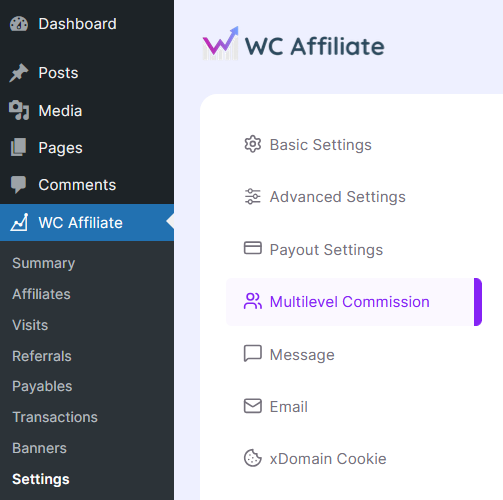
- On that page, you'll discover the option to enable multi-level commission. Click the radio button to enable the multilevel feature.
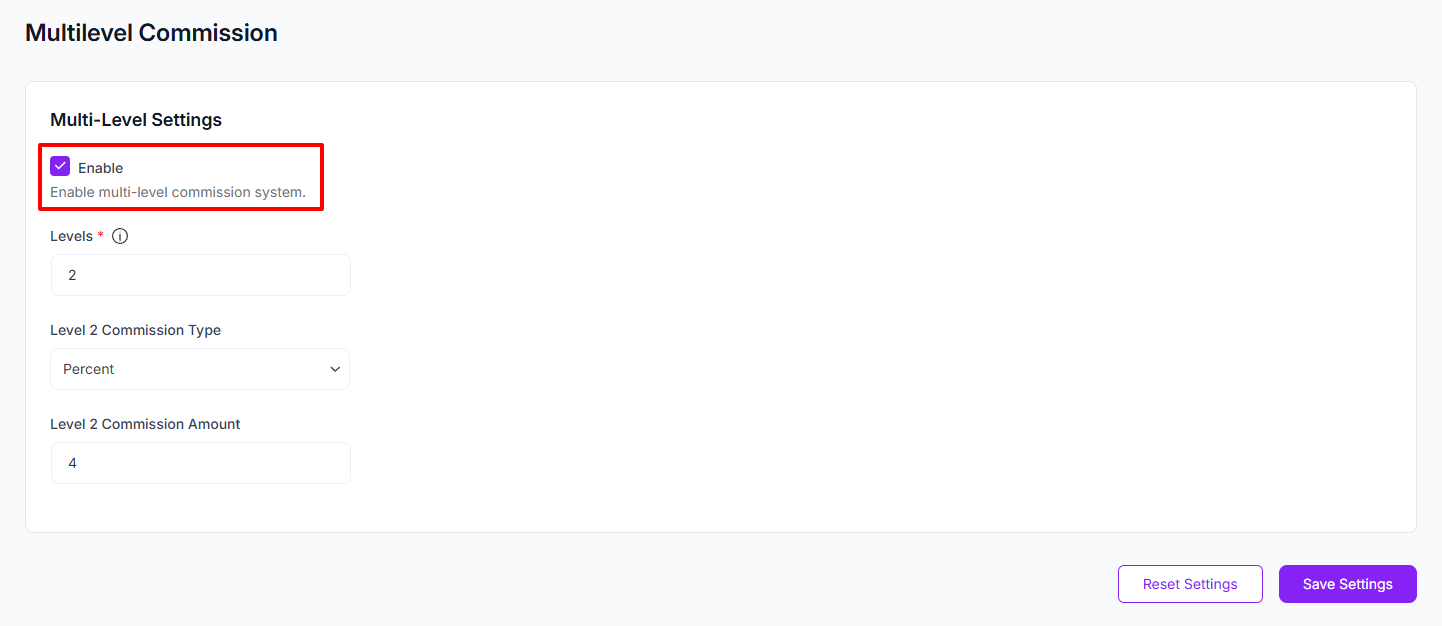
- Next, choose how many levels you want to reward with multi-level commissions. Then set the commission type and amount for each level.
- After finishing the setup, click Save Settings to apply the changes.
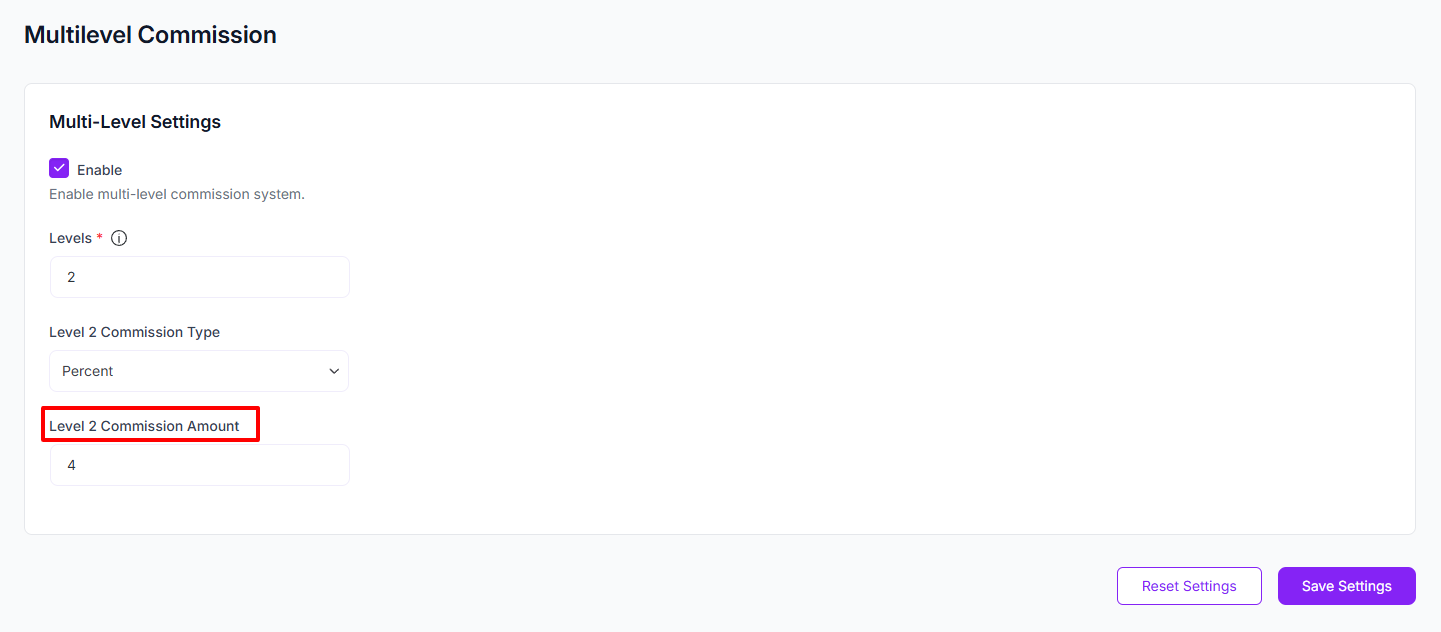
Note: Affiliate levels shift based on the action. When a new affiliate signs up through another affiliate’s link, the new person becomes Level 2 under the first affiliate.
But when that Level 2 affiliate makes a sale, the original affiliate is treated as Level 2 for commission calculation in that referral chain.
Read our blog post on How does the multilevel commission system work in WC Affiliate?
Was this doc helpful?