


Home » Troubleshooting & Others » Set a different commission for a particular product
In order to set a different commission for a particular product, you have to-
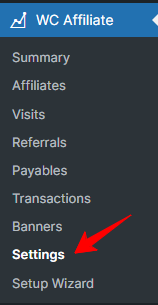
- First, you have to go to the WC Affiliate >> Settings page from your website dashboard.
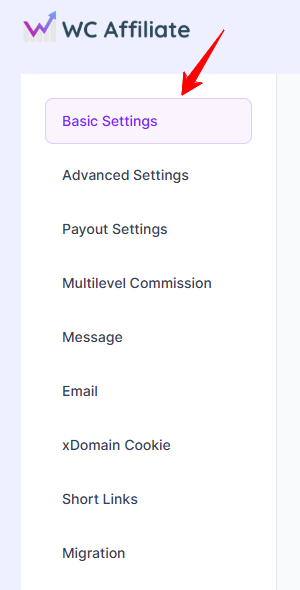
- From the settings page, click on the Basic Settings tab.
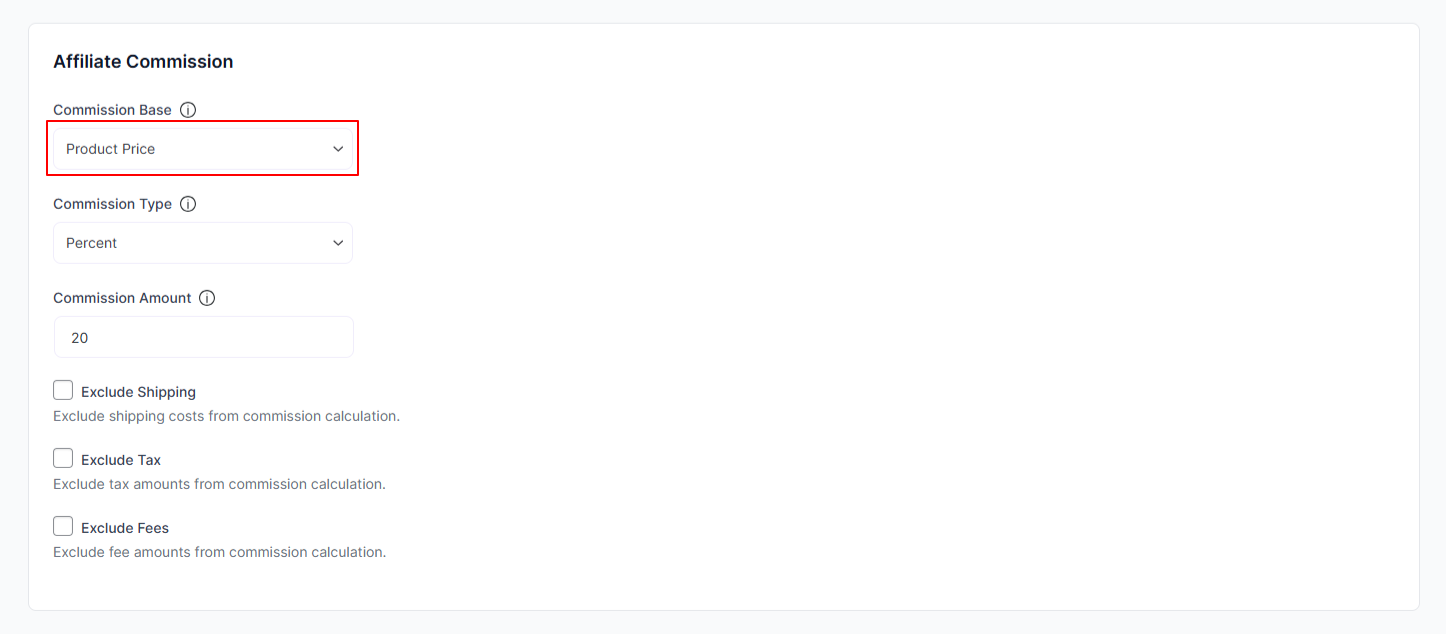
- On that page, you’ll discover the affiliate commission option. Choose “Product Price” from the dropdown. and click on the Save Settings button.
Was this doc helpful?