


The promotional banner plays an important role in our daily sales. To create a banner with WC Affiliate-
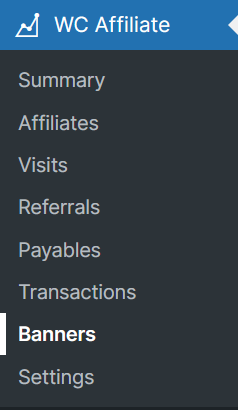
Please go to WC Affiliate → Banners tab in your dashboard.
And then click the “Add New” button.

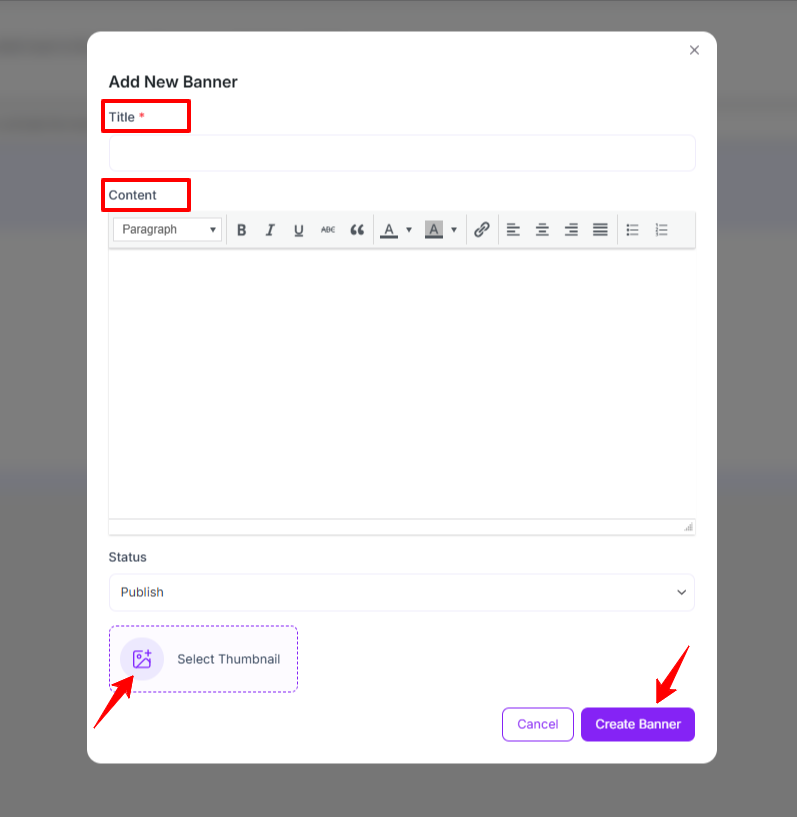
After clicking that button you will find the “Add New Banner” tab. At the top, enter Title & Content. Then choose Status from the drop-down and set a Thumbnail.
Now, click Add New Banner button.
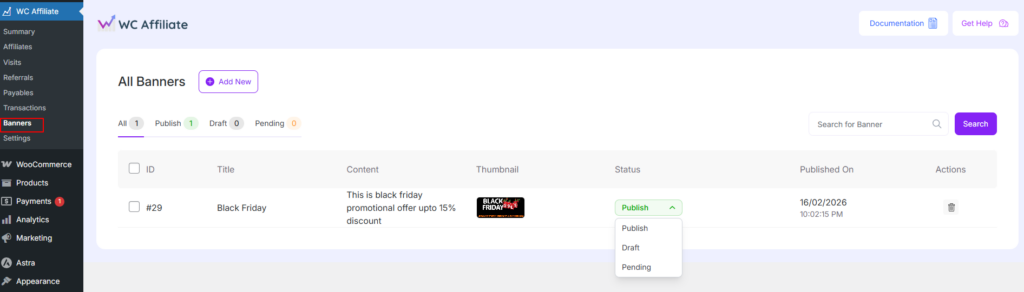
After creating a banner, you will see all the created banners. You can also see their status, like Publish, Draft, or Pending.
The affiliates will be able to see the banners in their dashboard with an HTML code. If the affiliates copy this piece of code on their site, the banner will be displayed. This code can be used in any type of website built with any web technology or CMS.
Was this doc helpful?